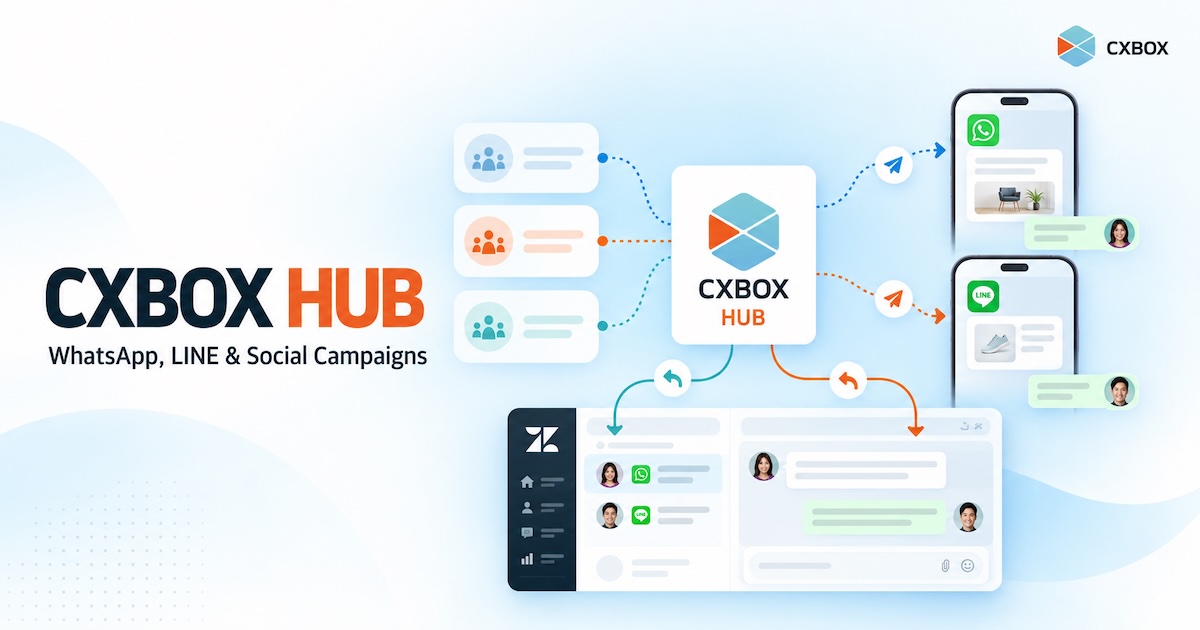
CXBOX HUB: Extend Zendesk with WhatsApp, LINE and Social Campaigns

Your customer asked a question on WhatsApp last month. Today, you want to invite the right customers to a relevant offer on WhatsApp or LINE. If the message starts a conversation, your team needs a way to handle the reply. How do you connect those steps? Quick answer: CXBOX HUB extends a Zendesk-based service operation with audience segmentation, personalized outbound campaigns across connected social messaging channels, campaign insights and conversation routing. Zendesk remains the workspace for service conversations. The exact channels and workflows available depend on your Zendesk setup, CXBOX HUB plan and channel configuration. Zendesk helps teams manage...

Continue reading
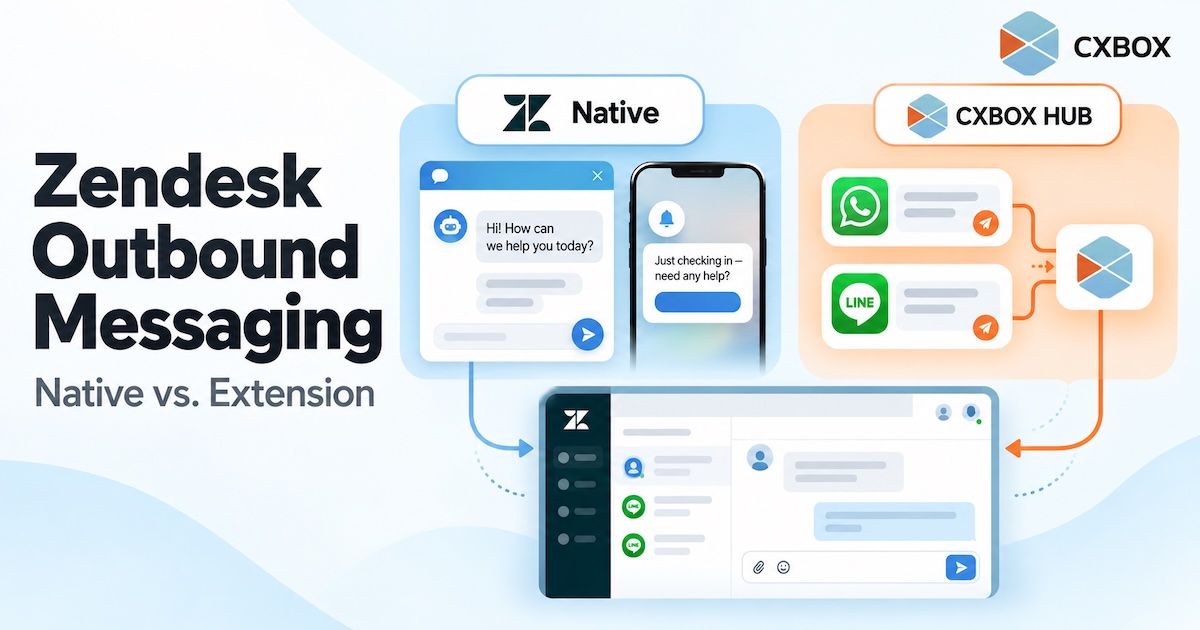
Zendesk Outbound Messaging: What’s Native and What Requires an Extension

ā€œCan Zendesk send outbound messages?ā€ The honest answer is yes—but the answer changes with the channel, the number of recipients, and the workflow you want to run. Quick answer: Zendesk has native proactive messages for its Web Widget and mobile SDK, and its messaging platform offers APIs for certain outbound use cases. It can also send ticket-related notifications. A marketer-friendly campaign workflow for segmented, multi-channel messaging is a separate requirement: it may call for an app, an integration or custom development. Zendesk’s own Marketplace includes options such as Relay by Zendesk Labs and CXBOX HUB. A website prompt shown...

Continue reading

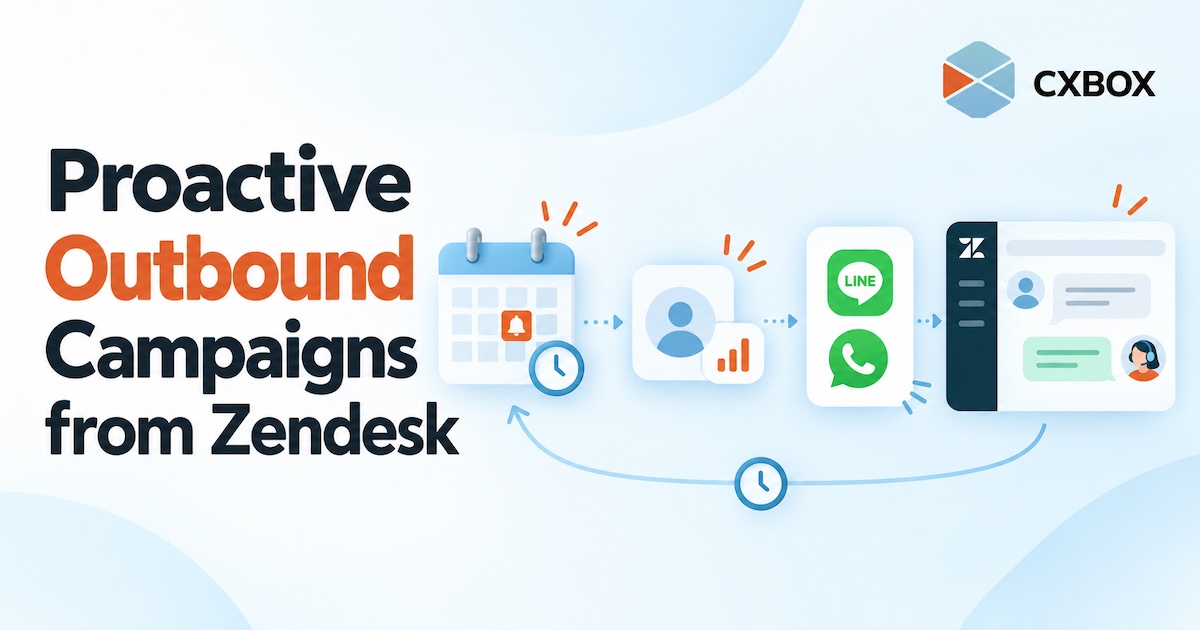
How to Run Proactive Outbound Campaigns from Zendesk

Most customer communication begins when someone asks for help. But some of the most useful conversations can start earlier: before a policy expires, before an appointment is missed, or after a customer stops using a service. Quick answer: Use CXBOX HUB alongside Zendesk to define an eligible customer group, choose the right moment and channel, create an outbound campaign or journey, and plan how customer replies will reach your team. CXBOX HUB manages the proactive outreach; Zendesk supports the connected service conversation. Proactive outreach is not simply a larger broadcast list. It is a message sent because something relevant...

Continue reading

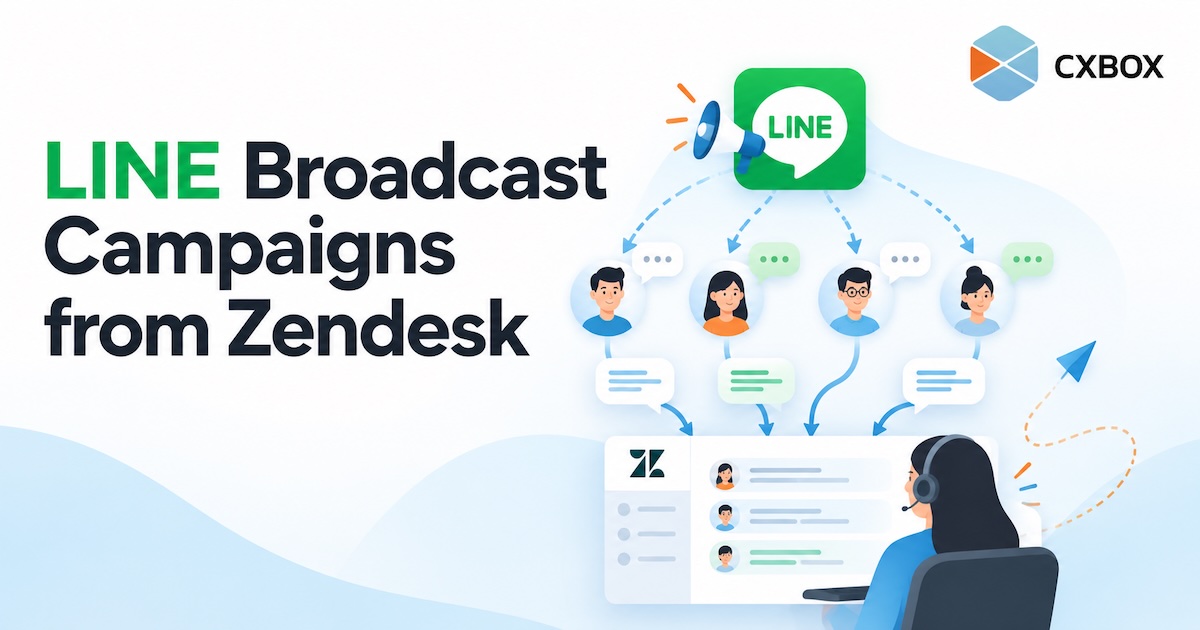
How to Send LINE Broadcast Campaigns from Zendesk

Your customers follow your LINE Official Account. Your team handles service in Zendesk. When you want to reach a selected group and respond to the conversations that follow, how do you connect the two? Quick answer: Connect your LINE Official Account and Zendesk to CXBOX HUB, create an eligible audience, build a LINE campaign in CXBOX HUB, and send it after checking your message and channel limits. Customer replies can then be handled through your configured Zendesk workflow. The campaign is managed in CXBOX HUB; Zendesk is the service workspace. LINE makes it easy to reach people where they...

Continue reading

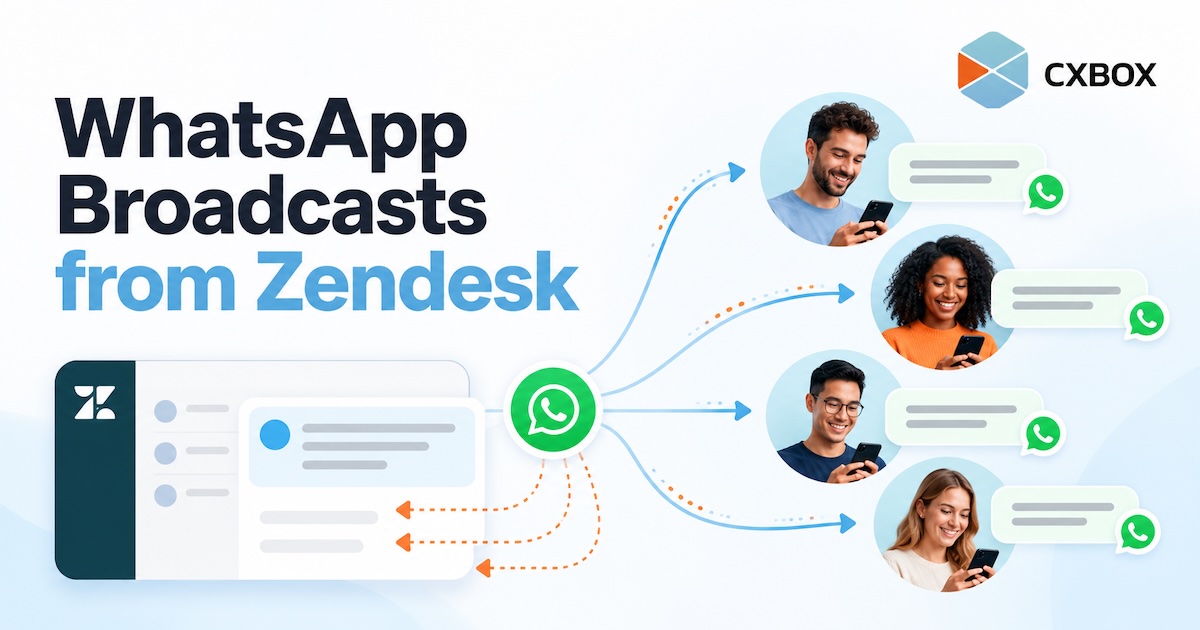
How to Send WhatsApp Broadcasts from Zendesk

How to Send WhatsApp Broadcasts from Zendesk with CXBOX HUB CXBOX HUB Ā· WhatsApp campaigns How to Send WhatsApp Broadcasts from Zendesk Your customer conversations live in Zendesk. Your next WhatsApp campaign should connect to them, too. Here is how CXBOX HUB helps you reach a selected audience and handle the replies. Quick answer: Connect your WhatsApp Business channel and Zendesk to CXBOX HUB. Build or import an eligible audience, prepare an approved WhatsApp message template, create and send the campaign in CXBOX HUB, then manage incoming customer replies through the connected Zendesk workflow. The broadcast is created in...

Continue reading
Zendesk AI Copilot CX

Zendesk AI Copilot: Transforming Agent Productivity and Customer Experience

The Daily Pain Points of Customer Service Teams Customer service teams operate under constant pressure. High ticket volumes, repetitive inquiries, long handling times, inconsistent responses, and seasonal spikes all strain agents and management alike. Agents often spend more time searching for information, reading long ticket histories, and writing summaries than actually solving customer problems. Over time, this leads to agent burnout, rising operational costs, and declining customer satisfaction. How Zendesk AI Copilot Supports Agents in Real Operations Zendesk AI Copilot is designed to work alongside agents, directly inside the Zendesk workspace. Instead of replacing human judgment, it augments agents...

Continue reading
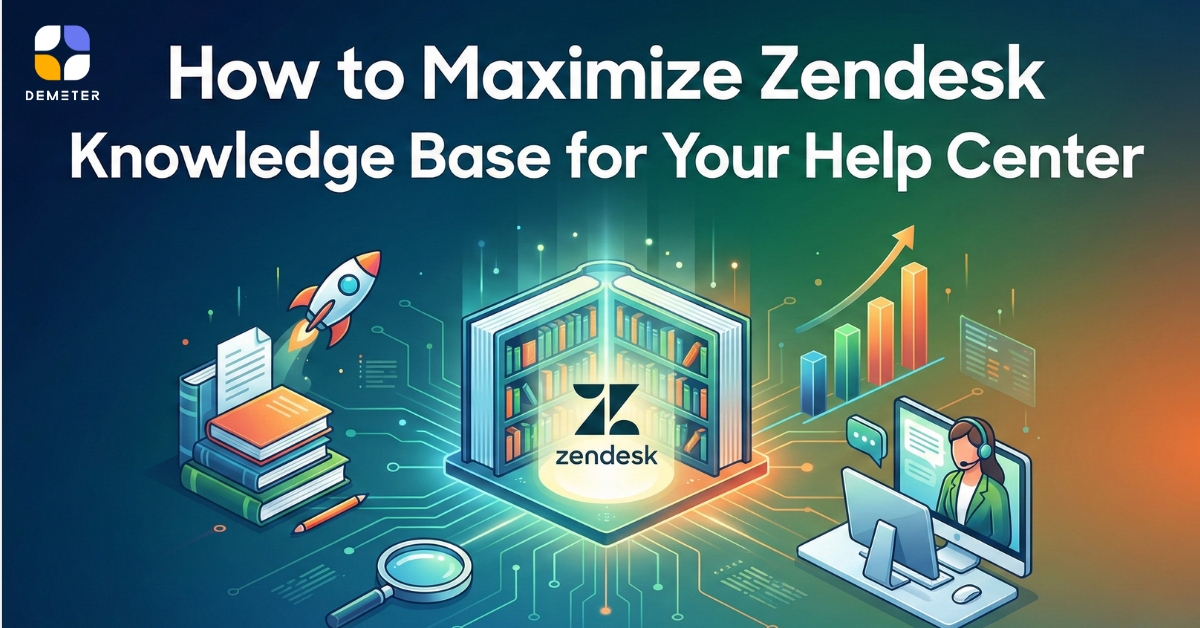
Maximize Zendesk Knowledge Base

How to Maximize Zendesk Knowledge Base for Your Help Center

In the digital era, customers expect instant answers. They prefer finding solutions on their own before contacting customer service. This is why a well-structured Zendesk Knowledge Base (Zendesk Guide) has become a critical tool for modern brands. Most businesses use Zendesk Knowledge Base as their Help Center, allowing customers to search FAQs, troubleshoot issues, or learn processes without opening a support ticket. This not only improves customer satisfaction but also reduces the number of repetitive inquiries that agents must handle. How Zendesk Knowledge Base Works Zendesk Guide collects information from two sources: Ā  Articles created within Zendesk Guide External...

Continue reading
Zendesk AI Agents Advanced

Onboarding with Zendesk AI Agents Advanced — A Practical Guide for Modern Businesses

Artificial intelligence is no longer an optional ā€œnice-to-haveā€ in customer service — it is now a decisive competitive edge. For companies facing rising support volumes, increasing customer expectations, and the pressure to operate lean, Zendesk AI Agents Advanced provides one of the strongest, most seamless AI automation solutions in the market. Why Consider AI in the First Place: Start with the Vision Before implementing any AI system, businesses need a simple vision: ā€œUse automation to reduce repetitive work, accelerate customer resolution, and deliver consistent service — without adding operational complexity.ā€ Companies that adopt AI early typically outperform competitors in...

Continue reading